One click, any way you want it.
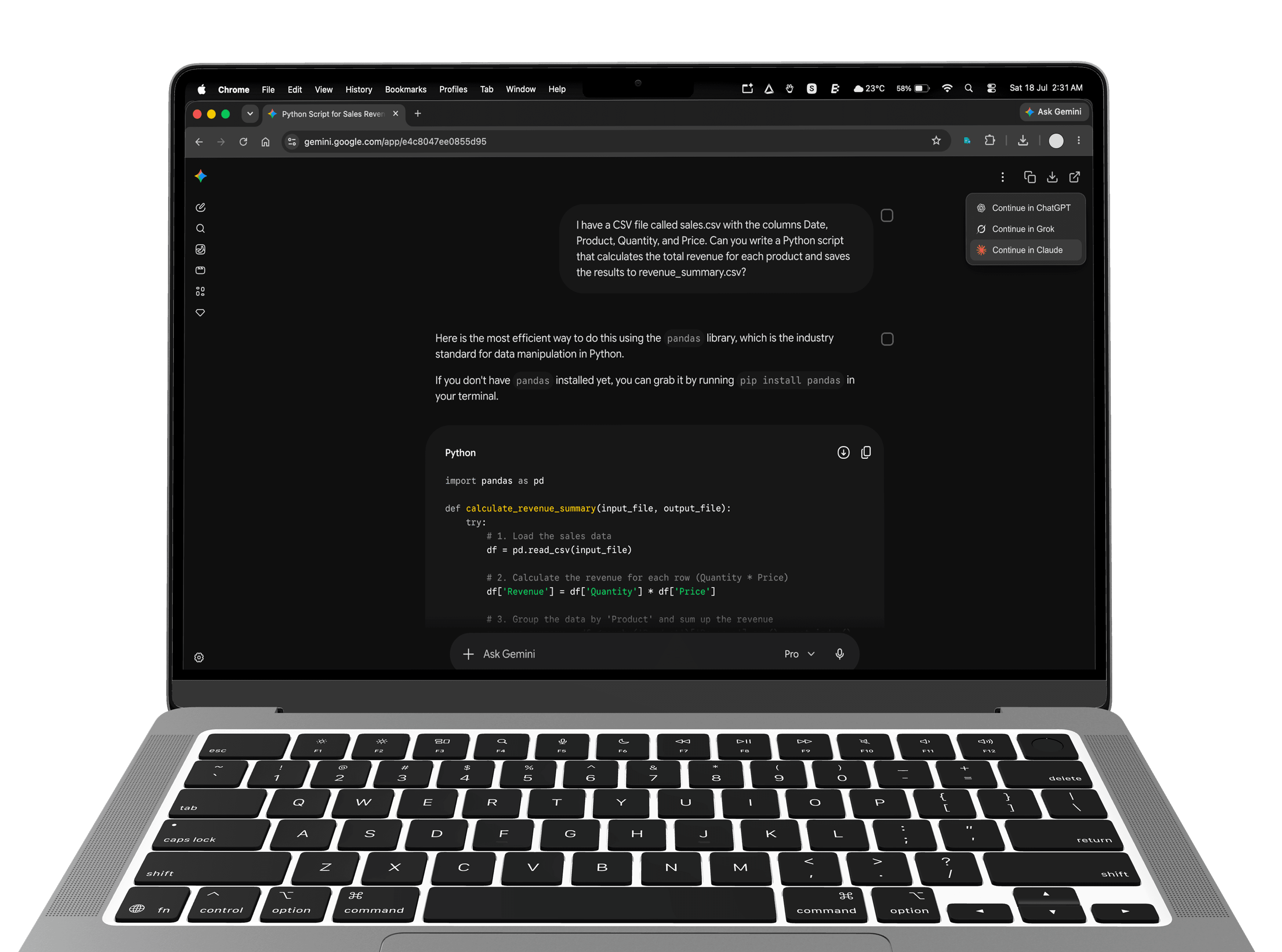
Copy to clipboard or download as a file — in JSON, Markdown, or plain text. Or continue the thread in another app entirely.

One click exports ChatGPT, Gemini, Grok, and Claude as JSON, Markdown, or plain text — pick the messages you want, or carry the thread into another app. Nothing leaves your browser.
Add ConvoVault to Chrome or any Chromium browser. No account, no sign-in, no setup wizard.
Export buttons appear in the toolbar of your conversations on ChatGPT, Gemini, Grok, and Claude.
Copy to clipboard or download as JSON, Markdown, or plain text. Toggle which metadata fields to include, or continue the thread in another app.
Copy to clipboard or download as a file — in JSON, Markdown, or plain text. Or continue the thread in another app entirely.
Toggle exactly which metadata each export includes.
conversation_2026-07-14.jsonconversation_2026-07-14.mdNative buttons injected into each chat interface. No copy-paste gymnastics.
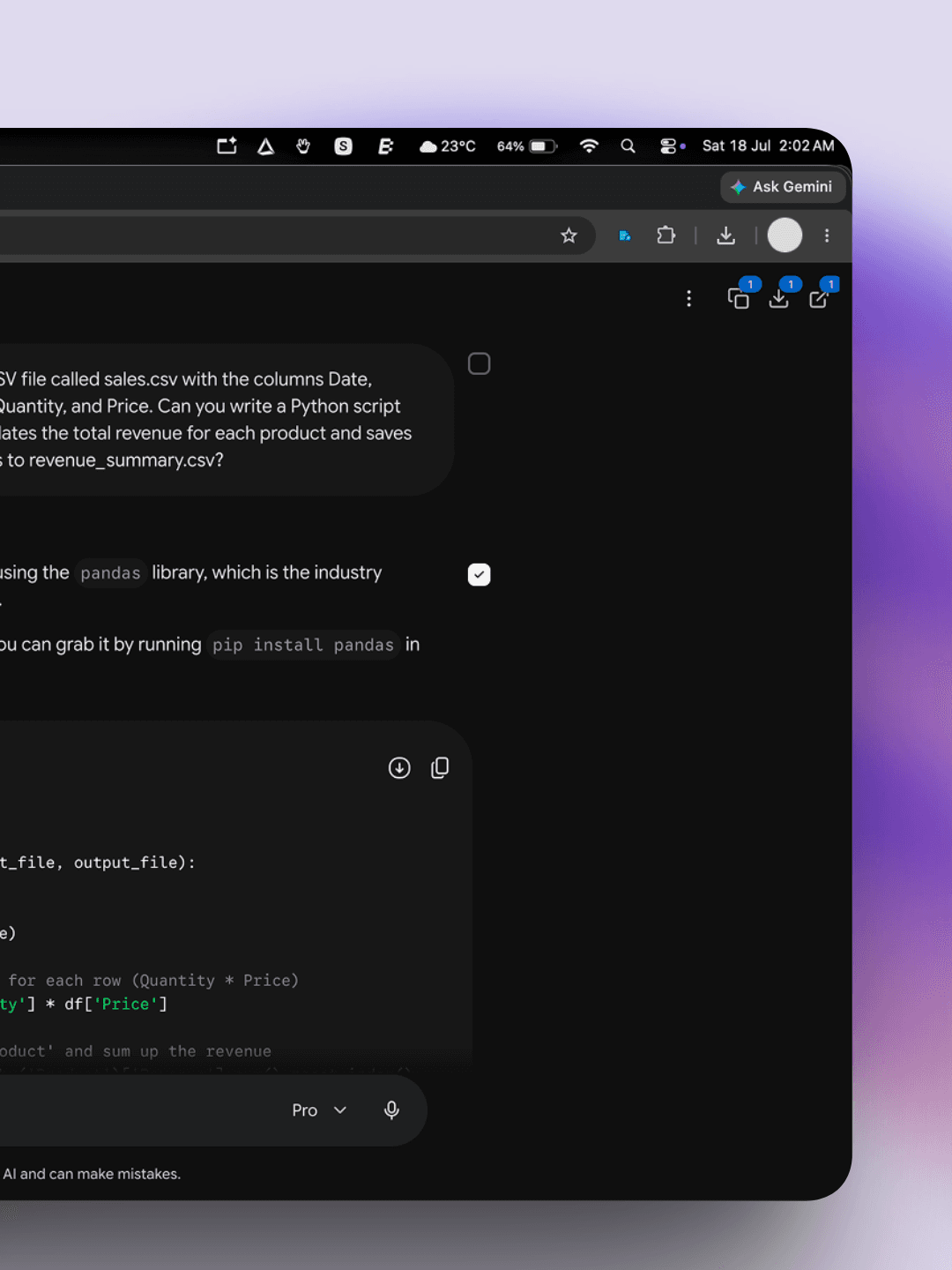
Click the checkbox on the right of any message to toggle it on or off before you export. Keep the answer that mattered, drop the dead-ends, and ship a clean conversation every time.
Select with keys
two shortcutsCtrl + click the checkbox, or tap a quick-access icon, to drop every selection at once.
Selections are remembered per thread, so a half-finished export picks up right where you left it.
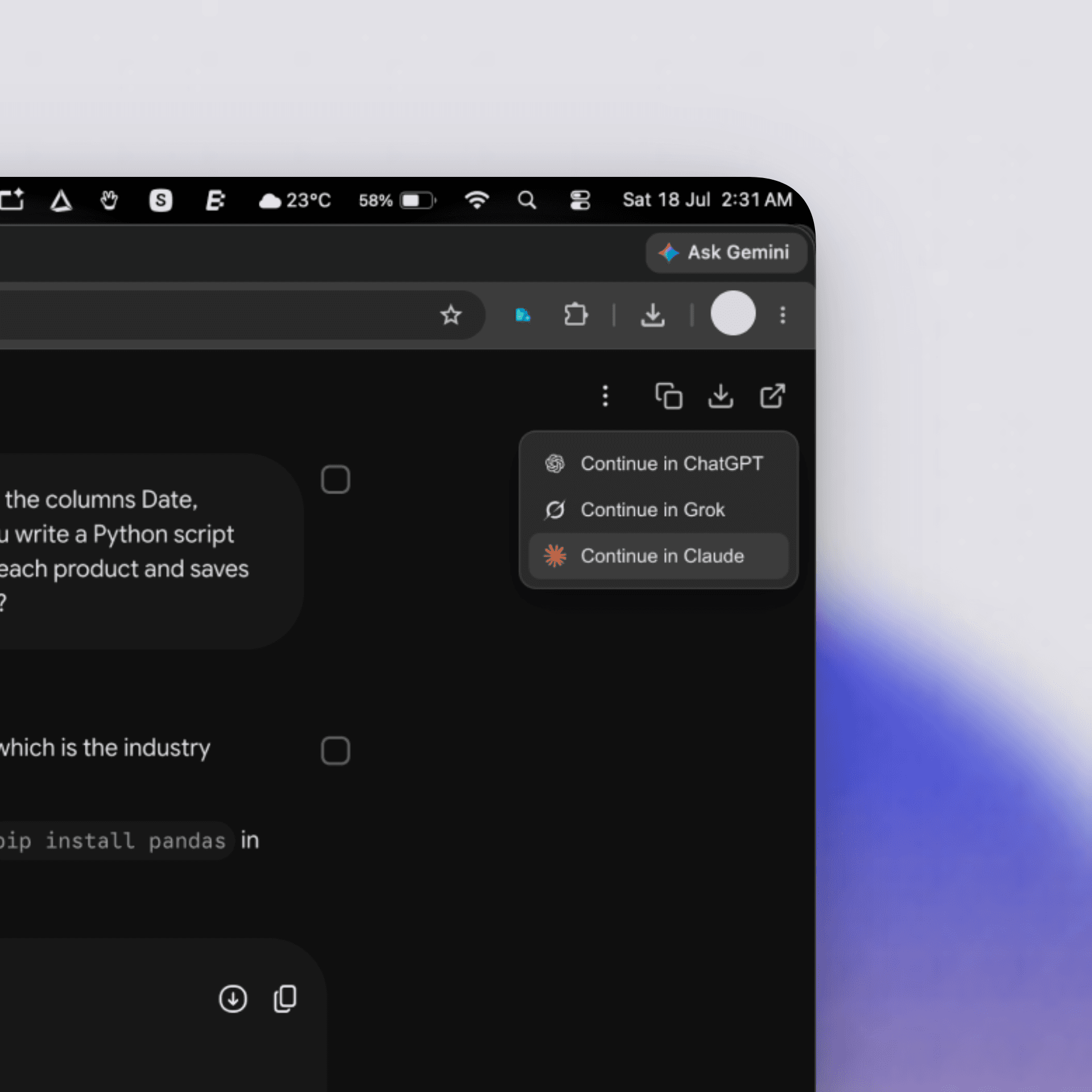
Send a ChatGPT thread into Claude, or a Gemini thread into Grok. ConvoVault stages the conversation and opens the new chat with it ready to go.
ChatGPT
source thread
Claude
new chat, filled
Handoff stays on your device. The payload lives in local storage for five minutes, then clears itself.
Swipe to see all →
ConvoVault runs entirely in your browser. No backend, no database, no account. We could not read your chats if we wanted to.
ConvoVault is a free, privacy-first browser extension that exports AI conversations from ChatGPT, Gemini, Grok, and Claude to JSON, Markdown, or plain text — entirely in your browser, with nothing sent to a server.
Install the ConvoVault browser extension, open any ChatGPT conversation, and click the export button added to the toolbar. Choose JSON, Markdown, or plain text, then copy to clipboard or download the file. The export runs entirely in your browser — no data is uploaded to a server.
ConvoVault adds export buttons inside Claude, Gemini, and Grok as well as ChatGPT. Open the conversation you want to save, click export, and select JSON as the format. The resulting file includes message text, role, timestamps, and the conversation title, with optional metadata fields you can toggle.
Yes. ConvoVault is a free browser extension available for Chrome and other Chromium browsers, with a Firefox build published on Mozilla Add-ons. It exports conversations from ChatGPT, Gemini, Grok, and Claude to JSON, Markdown, or plain text. There is no account, no paywall, and no telemetry.
No. ConvoVault is local-only and privacy-first. Every export is processed inside your browser tab, and the extension has no backend, database, or analytics. Conversations never leave your device over the network. The only permission requested is local storage for your preferences.
Yes. Each message has a checkbox that lets you toggle it on or off before exporting, so you can keep the messages that matter and drop the rest. Use Shift + click to select a range, or Ctrl + click to clear all selections. Selections are remembered per thread until you export.
Yes. ConvoVault can stage a conversation from one platform and open it pre-filled in a new chat on another — for example, sending a ChatGPT thread into Claude, or a Gemini thread into Grok. The handoff payload stays in local storage for about five minutes, then clears itself.
ConvoVault exports to JSON, Markdown, and plain text. JSON is structured for scripts and agents, Markdown is readable for notes and docs, and plain text is universal. File names are date-stamped (for example, conversation_2026-07-14.json) so exports sort chronologically.
Step-by-step tutorials for exporting and moving your AI conversations with ConvoVault.
Step-by-step guide to exporting any ChatGPT conversation to clean, structured JSON with the free ConvoVault browser extension. Works locally in your browser — nothing is uploaded.
How to save and export Anthropic Claude conversations to JSON, Markdown, or plain text with the free, local-only ConvoVault browser extension. One click, nothing uploaded.
Add ConvoVault to your browser and your next export is one click away. Free, and nothing leaves your device.
Independent tool. Not affiliated with OpenAI, Google, xAI, or Anthropic.